Import repos faster
Pick a folder, review detected projects, and let DevDock suggest services, commands, ports, health checks, and local domains.
 DevDock
macOS · Apple Silicon
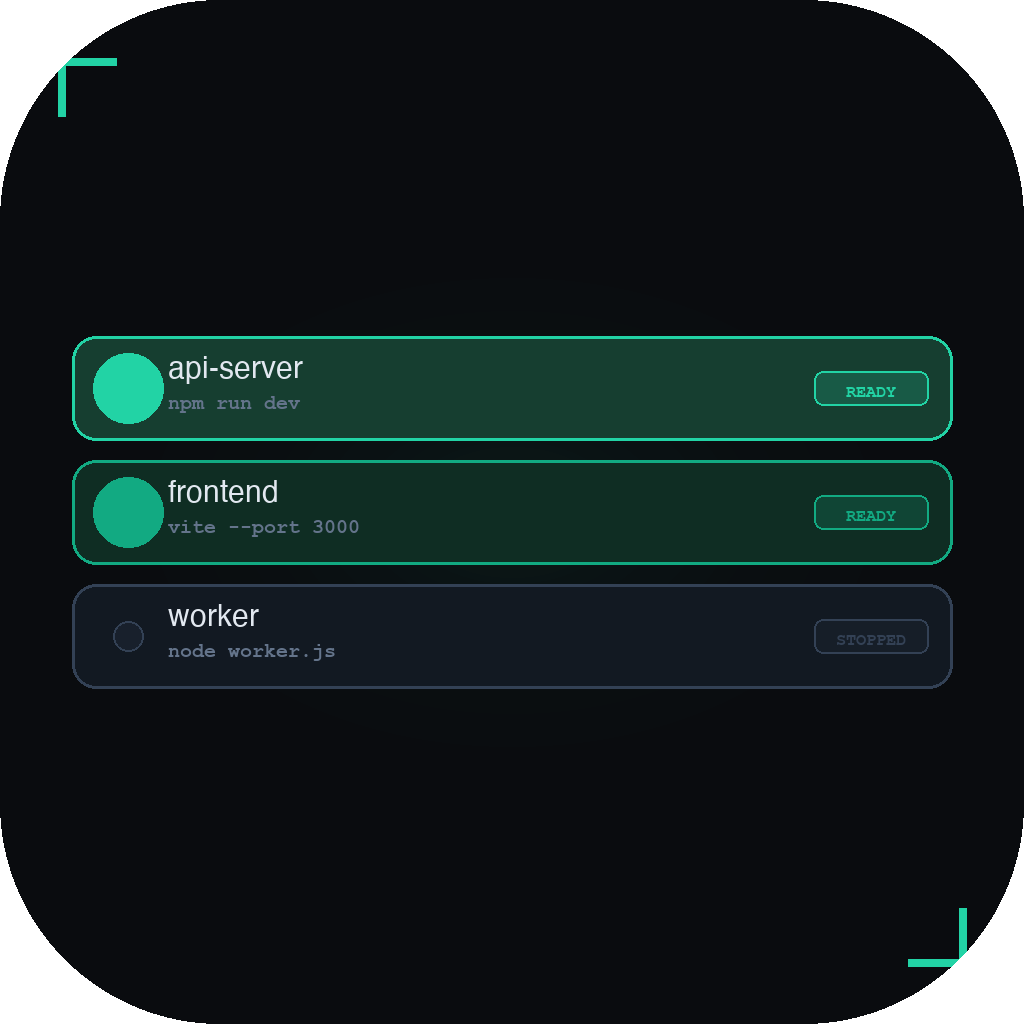
Import repos, start workspaces, open local URLs, inspect ports and logs, and recover broken services from one focused Mac app.
01 / Features
Pick a folder, review detected projects, and let DevDock suggest services, commands, ports, health checks, and local domains.
Group related repos, start or stop them together, and keep product, client, and side-project contexts separated.
See live ports, orphan processes, suspicious background runs, recent logs, doctor checks, and recovery hints in one place.
02 / Workflow
DevDock does not replace your stack. It makes the stack you already use visible and repeatable.
Bring up related repos together instead of rebuilding a terminal layout every morning.
See running state, ports, URLs, and recent logs without switching context.
Find port conflicts, stale processes, and broken services before they turn into guesswork.
03 / Recovery
When a local stack drifts, DevDock keeps the next action visible.
Projects, workspaces, service detection, start/stop, logs, ports, HTTP local domains, and session restore.
HTTPS local domains, recovery automation, workspace health snapshots, snapshot restore, and diagnostics export.
Keep ports, logs, doctor checks, process state, and workspace baselines close enough to act without guessing.
04 / Install
Download the latest signed build and drag DevDock to Applications.
brew install --cask hweihwang/devdock/devdock
hoangmaths96 [at] gmail [dot] com
05 / FAQ
DevDock is a Mac app for running local development projects from one dashboard: services, workspaces, ports, logs, URLs, and recovery.
No. DevDock runs the commands you already use. It works alongside Docker, npm, pnpm, Bun, Rails, Go, Rust, and custom scripts.
Yes. Project config, sessions, runtime state, ignored processes, and window state stay on your Mac.
Download the signed DMG or install with the Homebrew cask.
Install DevDock, import your repos, and keep local startup, logs, ports, and recovery in one focused dashboard.
Questions: hoangmaths96 [at] gmail [dot] com