

A free Mac app for cafe Wi-Fi
Free refills for cafe Wi-Fi.
The cafe's Wi-Fi logs you out every hour, and nothing loads until you find its login page and press the button again. Wi-Fi Refill presses it for you.
Free and open source. macOS 14 or later, Apple silicon and Intel.
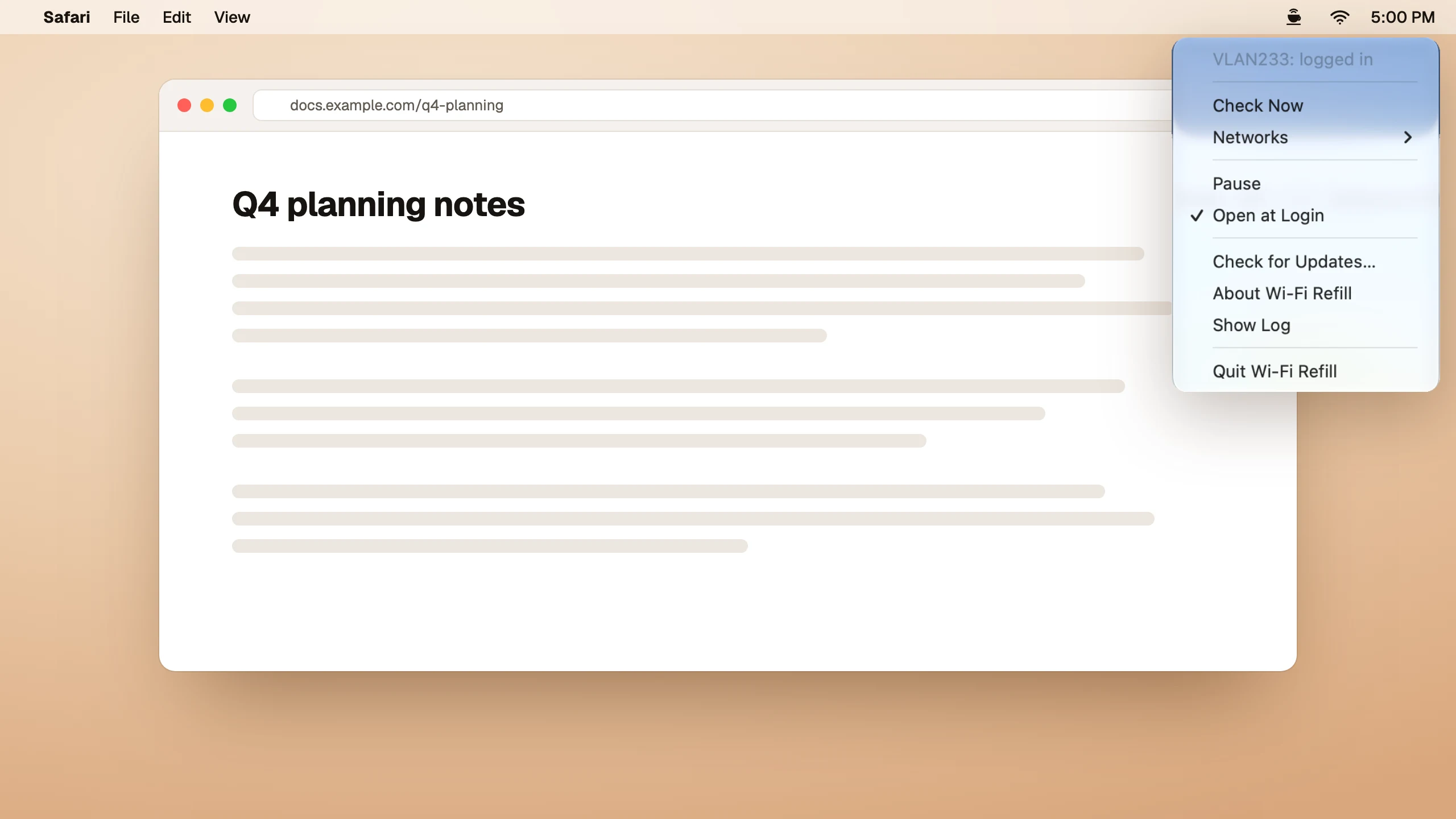
The hourly routine, gone
Without it
- A page stops loading halfway through a sentence.
- You open neverssl.com so the login page shows up.
- You press the button, find your tab, and wait for the next hour.
With Wi-Fi Refill
- It reads from the login page how long a session lasts, checks when it is due to end, and every five minutes in case the router ends it early.
- It presses the login button, the same one you would press.
- You keep working. The cup in your menu bar is all you see.
Watch it work
The session ends, the login page appears, and Wi-Fi Refill logs you back in. 15 seconds, no sound.
Quiet, and only where it's needed
- No passwordsIt only handles login pages that need one button press, and it never asks for an account.
- Asks firstThe first time a supported login page appears on a network, it reads the page, then asks before logging in. Turn any network off from the menu.
- Quiet elsewhereOn a network without a login page it looks every five minutes for three hours, then stops until your Mac joins another one.
- No analyticsIt talks to Apple's check page, the login page, your router and its update feed, and to GitHub only if you send a report.
Which login pages work
Wi-Fi Refill 1.0 supports Ruijie Cloud login pages with a One-click Login button. You'll see portal-…ruijienetworks.com in the address bar. It was built and tested on a live cafe network that logs you out every 60 minutes.
Met another kind of login page that only needs a button press? Choose Report This Login Page… in the menu. It describes how the page is built, with no values and with unfamiliar names replaced. You can read and edit it first; Open GitHub then sends it to GitHub in the page address, and it is published only if you submit the issue.
Login pages that ask for a voucher, a room number, a phone number or a password are not supported.
Get started
Three steps
- Download Wi-Fi Refill, open the disk image and drag the app to Applications.
- Open it. Look for the cup at the top right of your screen.
- At the cafe, choose Log In Automatically when it asks, and Allow when macOS asks about your local network. That's the last time you press anything.
Questions
Why does cafe Wi-Fi log me out?
The cafe's router gives each login a fixed time, often an hour. When it runs out, the router sends every web request to the login page again, while your Mac still shows a working Wi-Fi connection.
How quickly does it log me back in?
It checks when the session is due to end, then every two seconds until the router ends it, and logs in right away. If the router ends a session early, the next check comes within five minutes, or sooner if macOS notices the change.
Why does it need local network access?
The last step of the login is a request to the cafe's Wi-Fi router, which sits on the local network. macOS asks you once.
Can I turn it off for one network?
Yes. Open Networks in the menu and turn off Log In Automatically, or choose Pause to stop everywhere.
Can I install it with Homebrew?
Yes: brew tap hweihwang/wifi-refill, then brew trust --tap hweihwang/wifi-refill, then brew install --cask wifi-refill. Homebrew asks you to trust taps outside its own repositories.
Does it update itself?
Yes. It looks for updates once a day and installs them when you agree. Updates are signed, so nobody else can ship one.