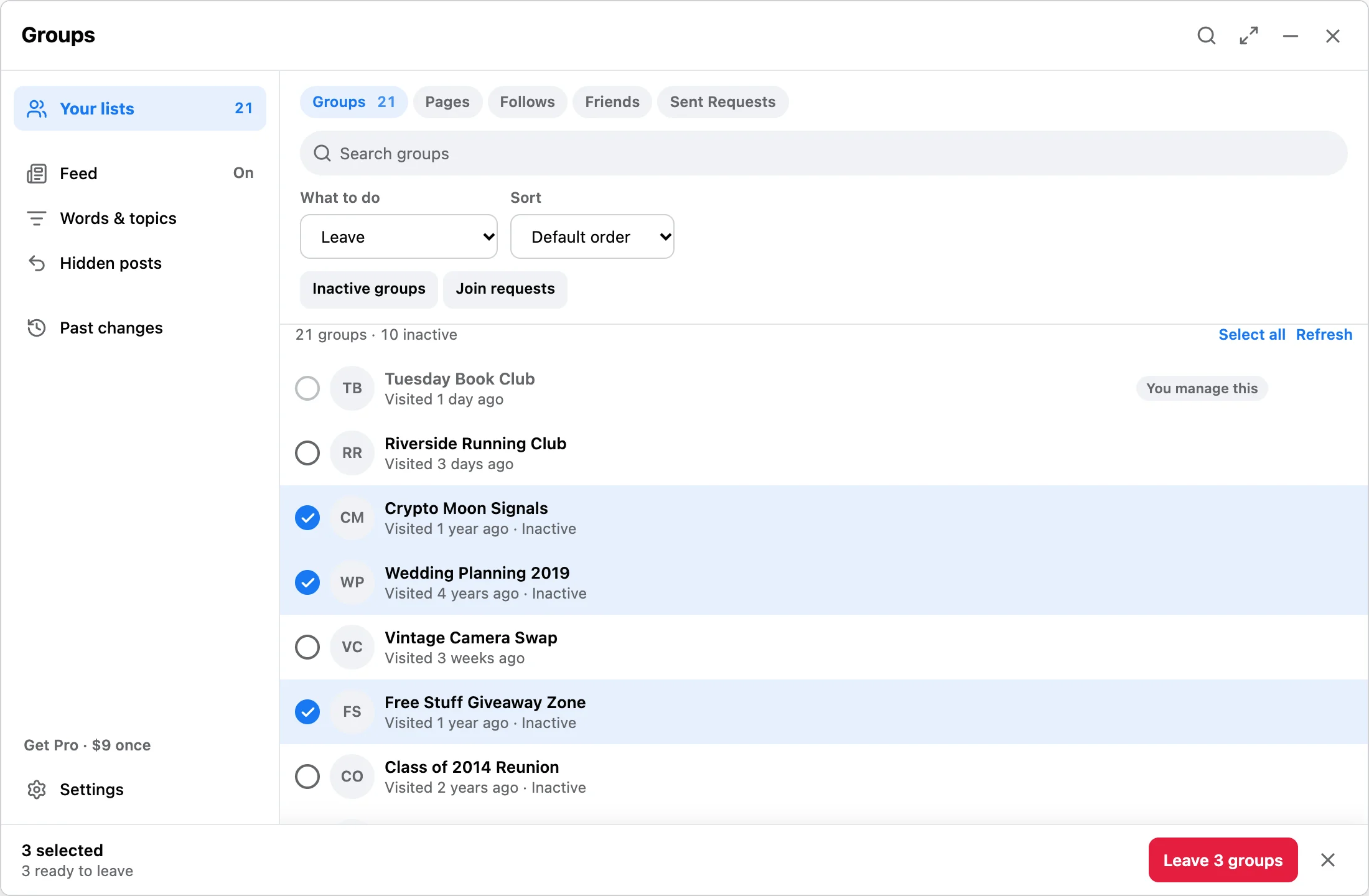
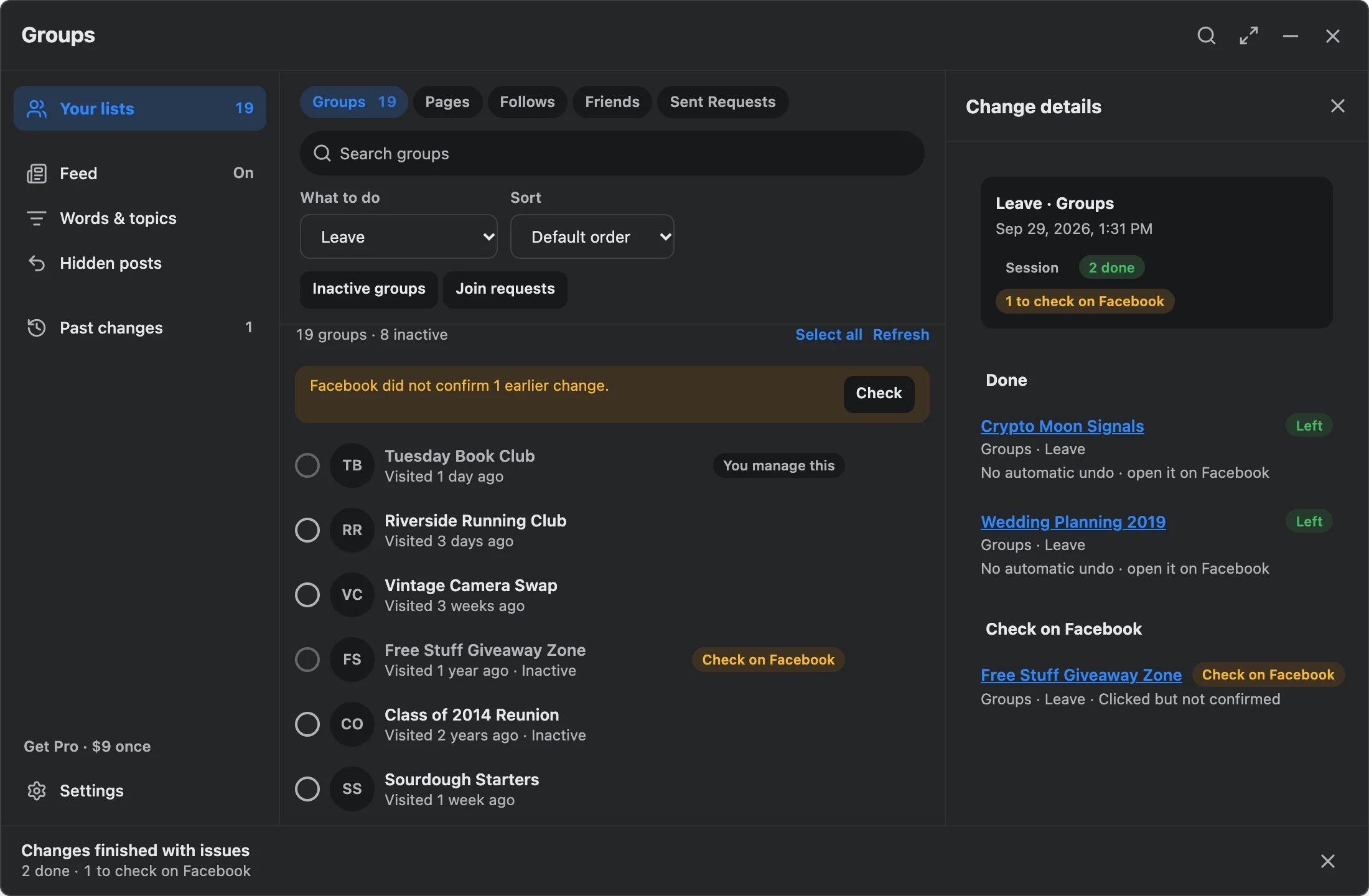
What can Facebook Reset clean up?
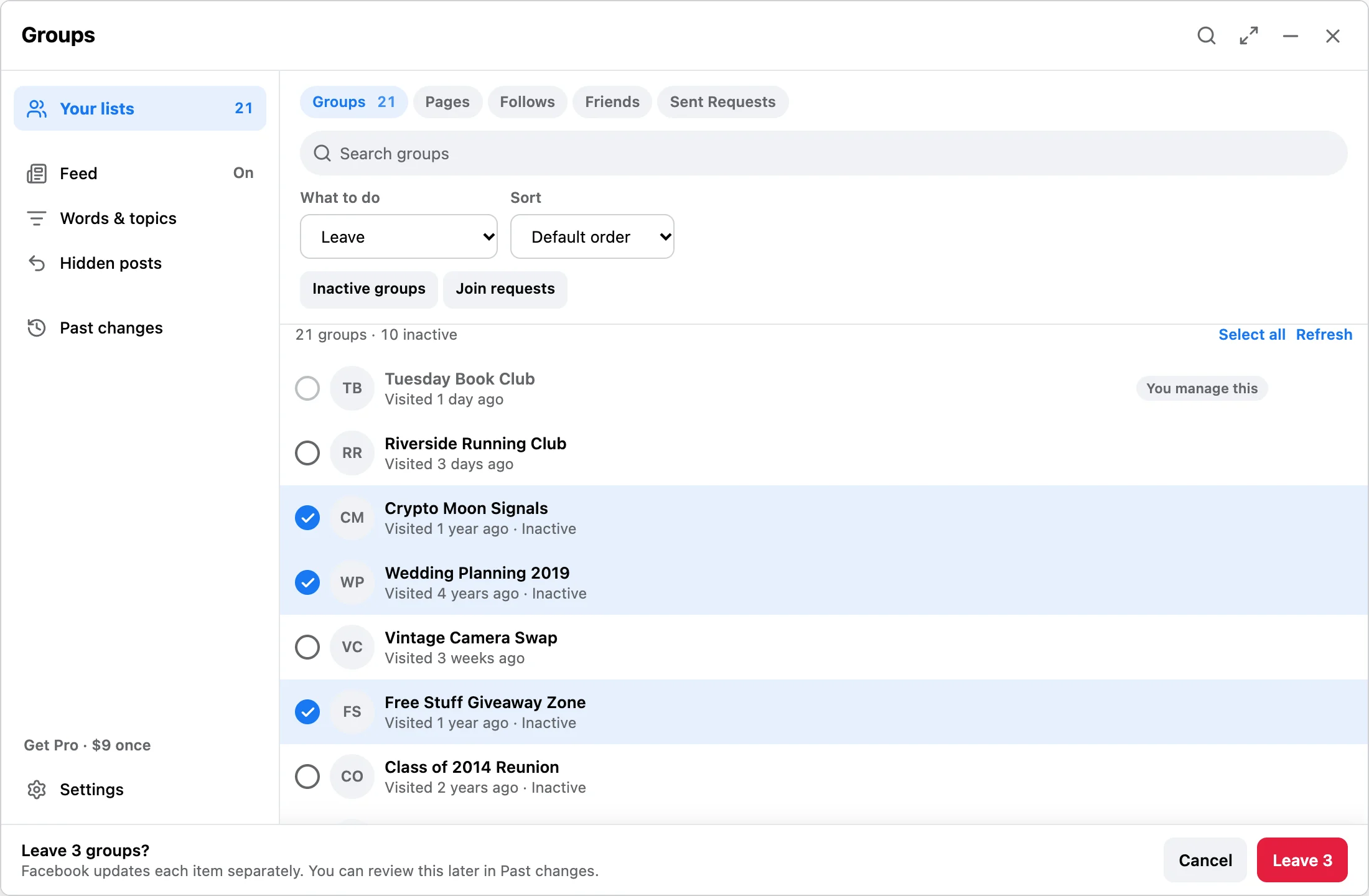
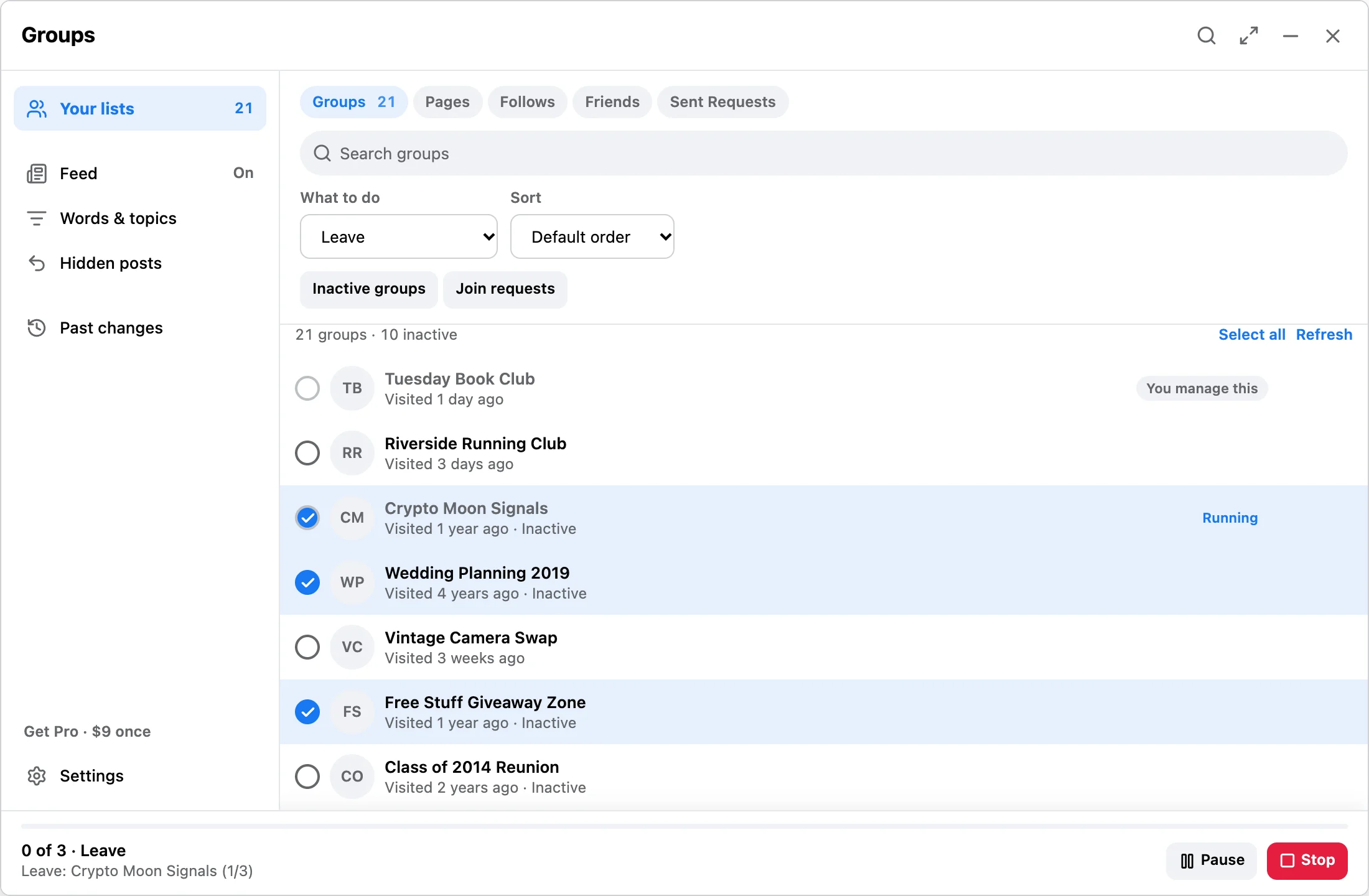
Groups you joined (leave, cancel a join request, unfollow, set in-app notifications to all posts, highlights, friends' posts, or off, or set push notifications to highlights or off), Pages you liked (unfollow), people and Pages you follow (unfollow), friends (unfriend, restrict, unrestrict, block, or unblock), and sent friend requests (cancel). You select the items, confirm the run, and each result is recorded.
Does Feed Control block ads or tracking?
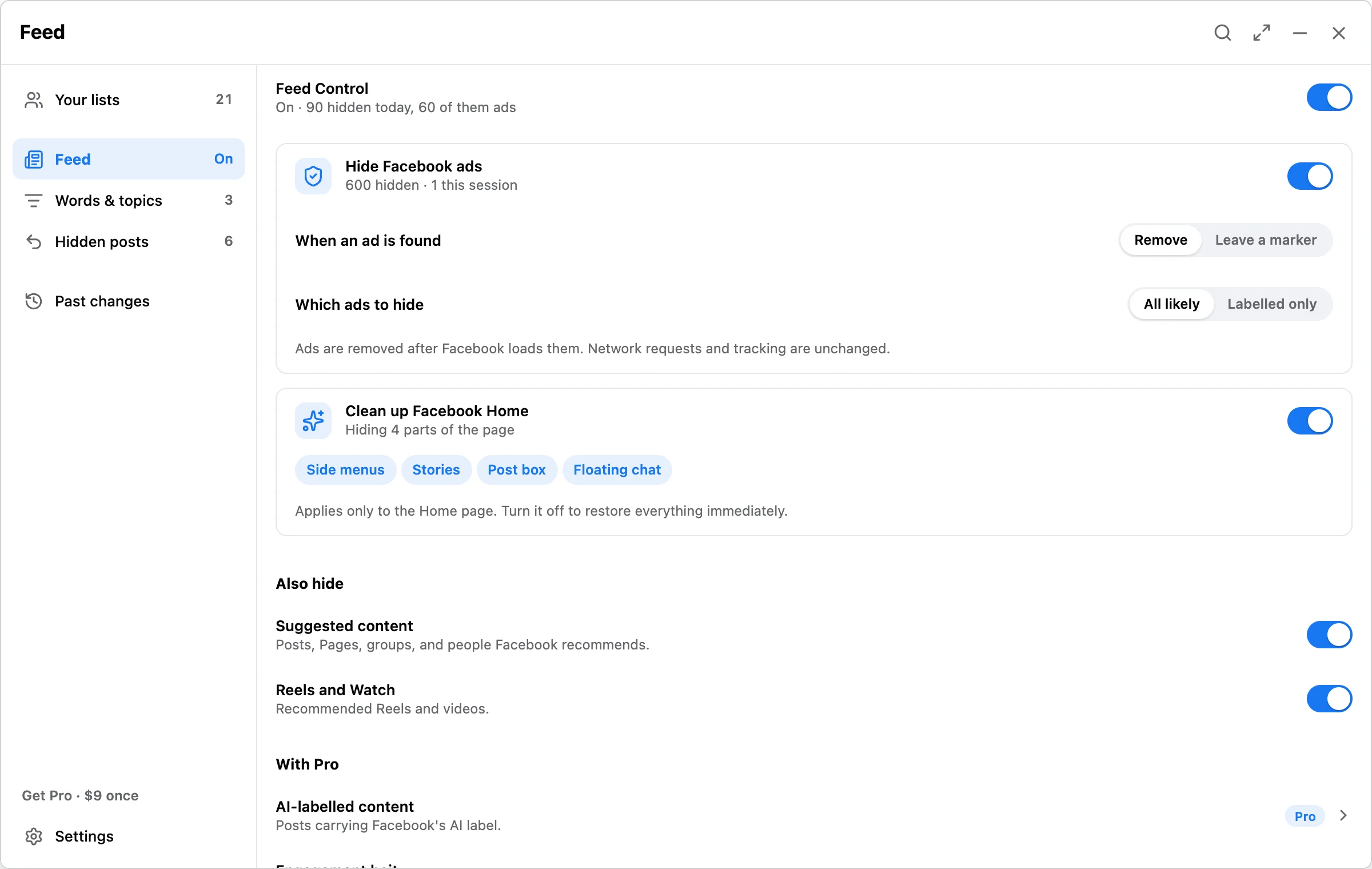
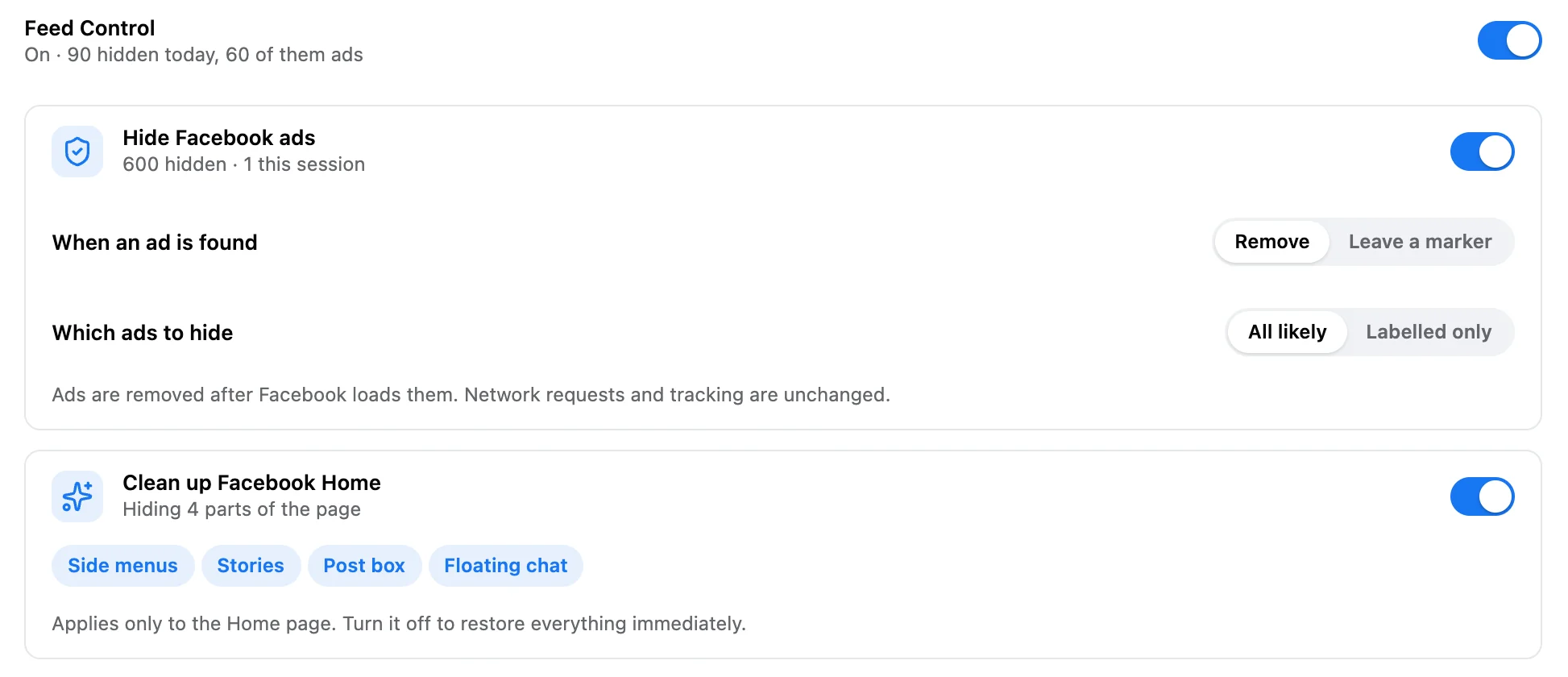
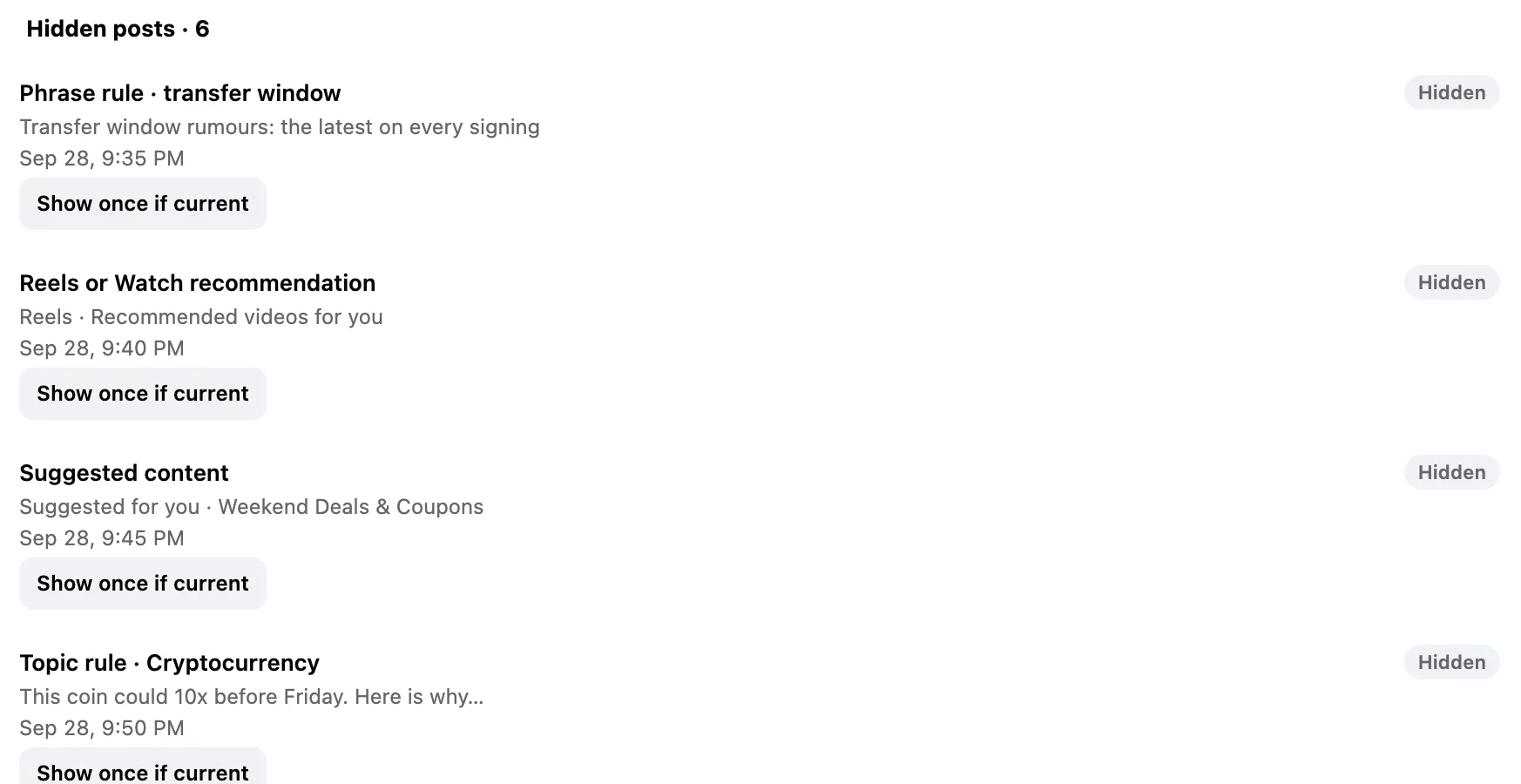
It hides ads, it does not block them. Feed Control removes ads and hides posts after Facebook has already loaded them in this browser. Ad and tracking requests still happen, and hiding a post does not unfollow or unfriend anyone.
Does any Facebook data leave my browser?
Your lists, selections, feed rules, mutes, posts you've seen, hidden-post records, and run history stay in Chrome storage on this device. Gumroad and the activation service handle payment and license keys only. Optional operational diagnostics are off by default and never include Facebook content. Details on the privacy and safety page.
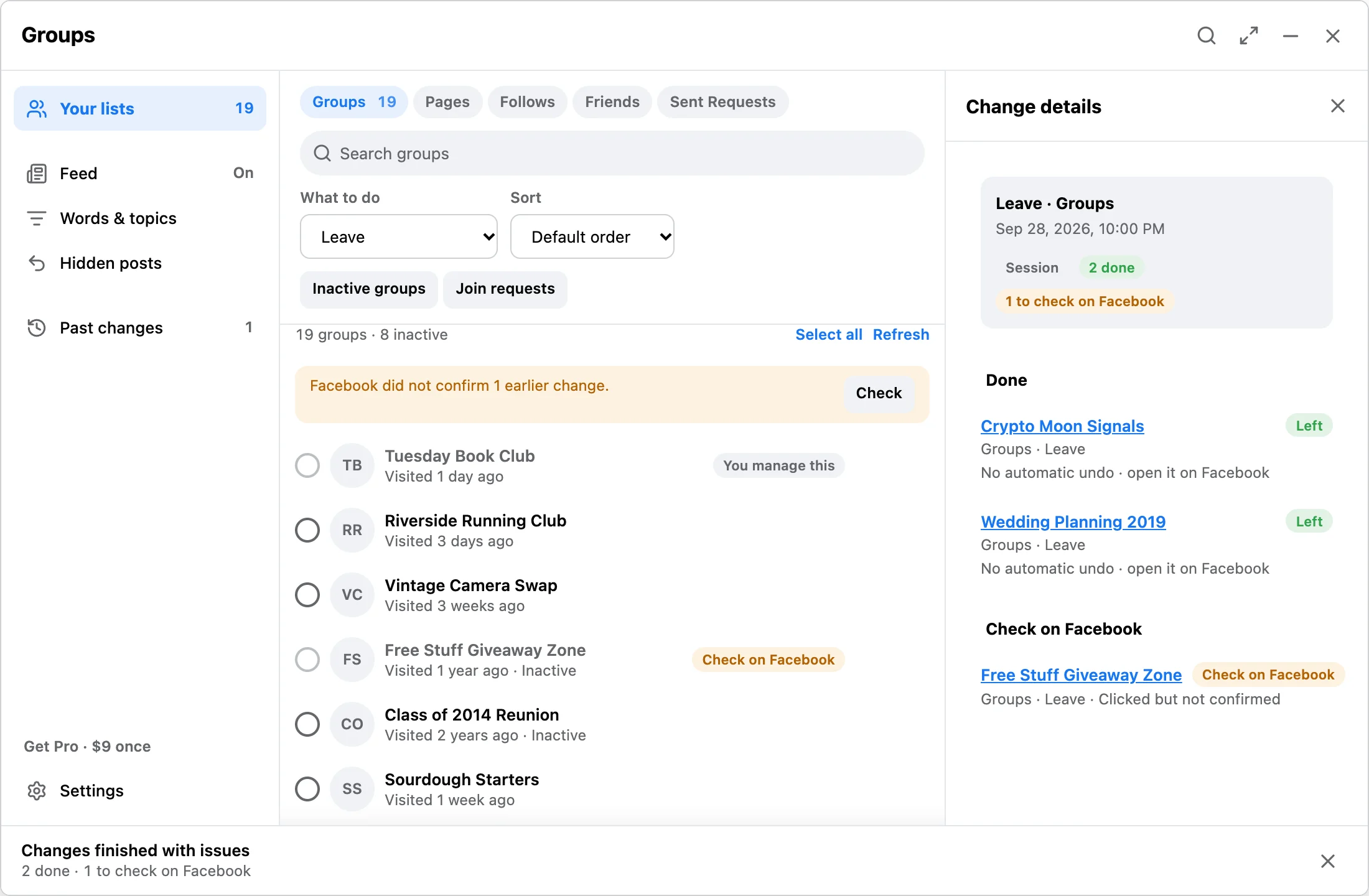
What does Check on Facebook mean?
The extension sent the action but could not confirm the result on Facebook. The item may already have changed. It is listed under Check on Facebook in Past changes so you can open it and look. Nothing is retried automatically.
What is free and what does Pro add?
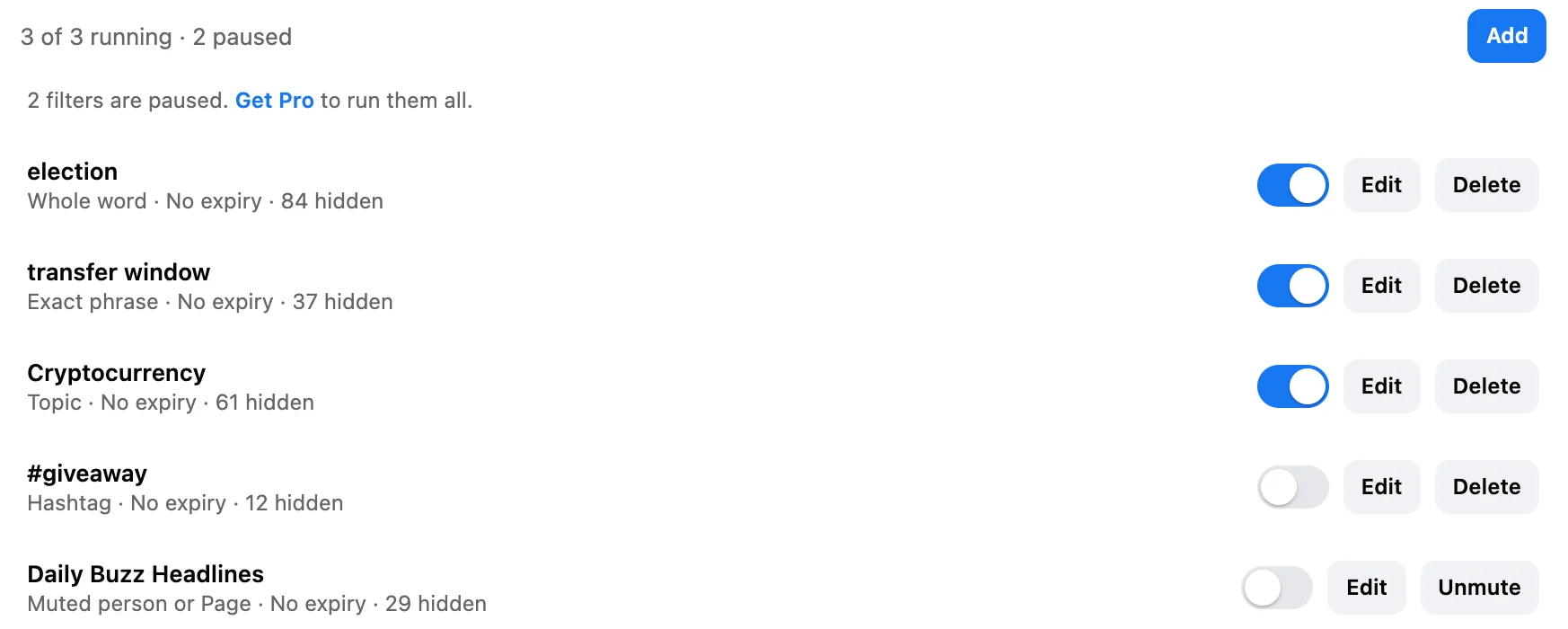
Free hides Facebook ads, cleans up the Facebook Home page, hides suggestions and Reels, mutes people and Pages, and includes every browsing option such as keyboard shortcuts, Focus mode, and a daily time limit, all with no limit. It runs 3 of your own words or topics at a time and makes up to 10 changes a day on your lists. Pro is a one-time $9 license: no daily limit, so the whole reviewed selection runs in one pass; every word and topic you have saved runs; and five more feed filters are added, including Comment Shield. Activity sort, quick select, Hidden posts, Past changes, exports, and every safety check are the same on both.
Does it need my Facebook password?
No. It works inside the Facebook tab you already have open in desktop Chrome. It never asks for or stores a password.
Is this the same extension as Bulk Group Leaver?
Yes. Bulk Group Leaver & Facebook Cleanup became Facebook Reset & Feed Control in version 0.7. It is the same Chrome Web Store listing and the same license. Existing Pro keys keep working.
Is it affiliated with Meta or Facebook?
No. It is an independent extension built and maintained by one person. It is not affiliated with, endorsed by, or sponsored by Meta or Facebook.