
Go to your groups list
Use desktop Chrome with Facebook open. Pick Groups in the panel and press Load. Discovery reads the list data Facebook makes available.
Facebook groups cleanup
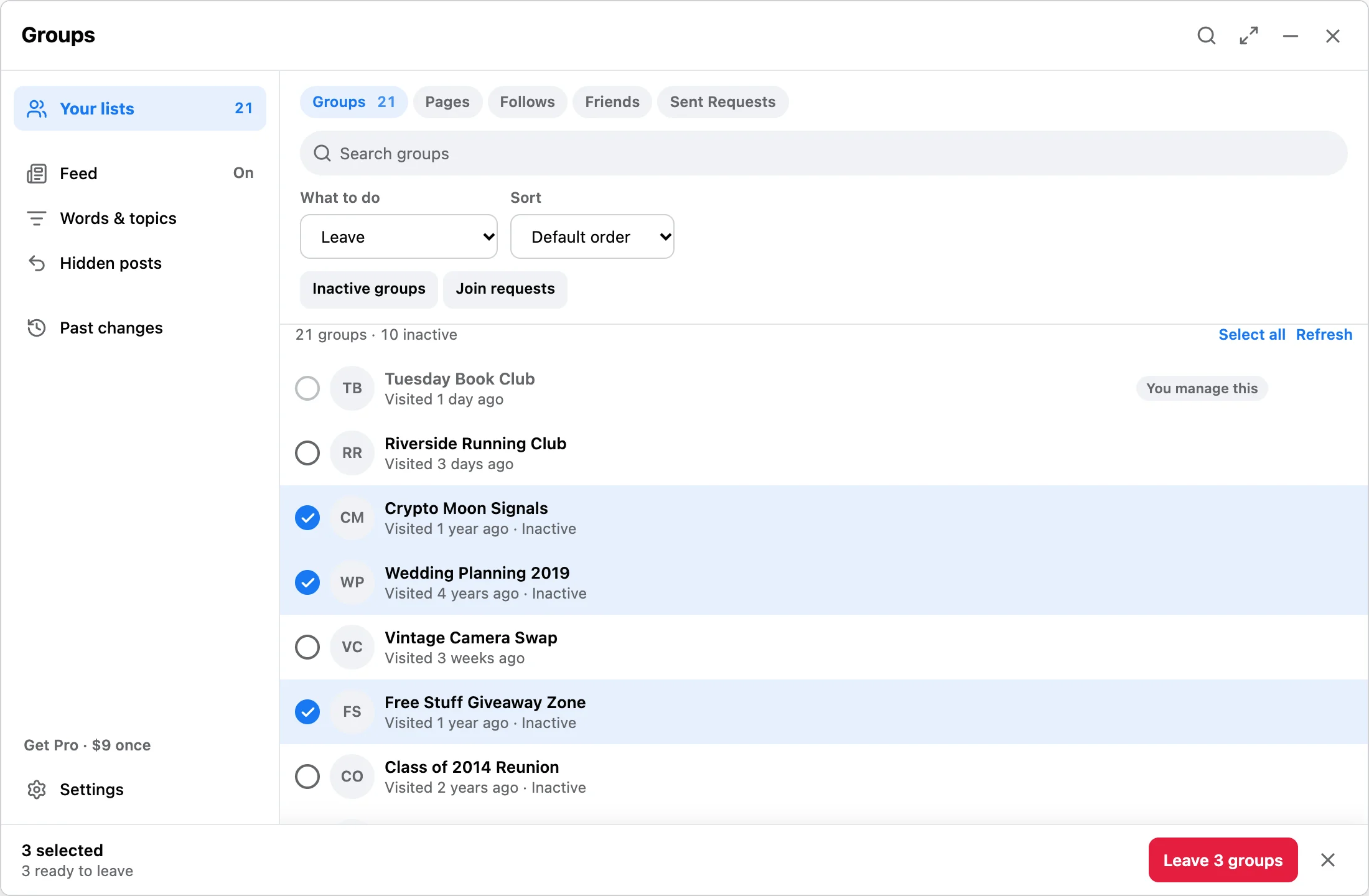
Open your joined groups page, scan what Facebook shows, select unwanted groups, and run with pause, resume, and stop controls. Group list data stays in Chrome local storage.
Workflow
Use desktop Chrome with Facebook open. Pick Groups in the panel and press Load. Discovery reads the list data Facebook makes available.
Discover available rows, search the queue, and mark important groups Keep so they stay out of every selection. Groups you administer cannot be left.
Start the run when the queue is right. Free makes up to 10 changes a day; Pro is $9 one-time with no daily limit.
Answer
Facebook Reset is useful when you have many old groups and want a visible queue instead of one-click removal. It is not affiliated with Meta or Facebook, and it does not guarantee account outcomes.
FAQ
No. It works inside your current Chrome session on Facebook pages you open yourself.
Yes. Free lets you load, review, and make up to 10 changes a day.
Read the group safety guide for limits and pacing notes.
Install the free Chrome extension, review your queue, then upgrade only if you need bigger runs.