
Open your friends list
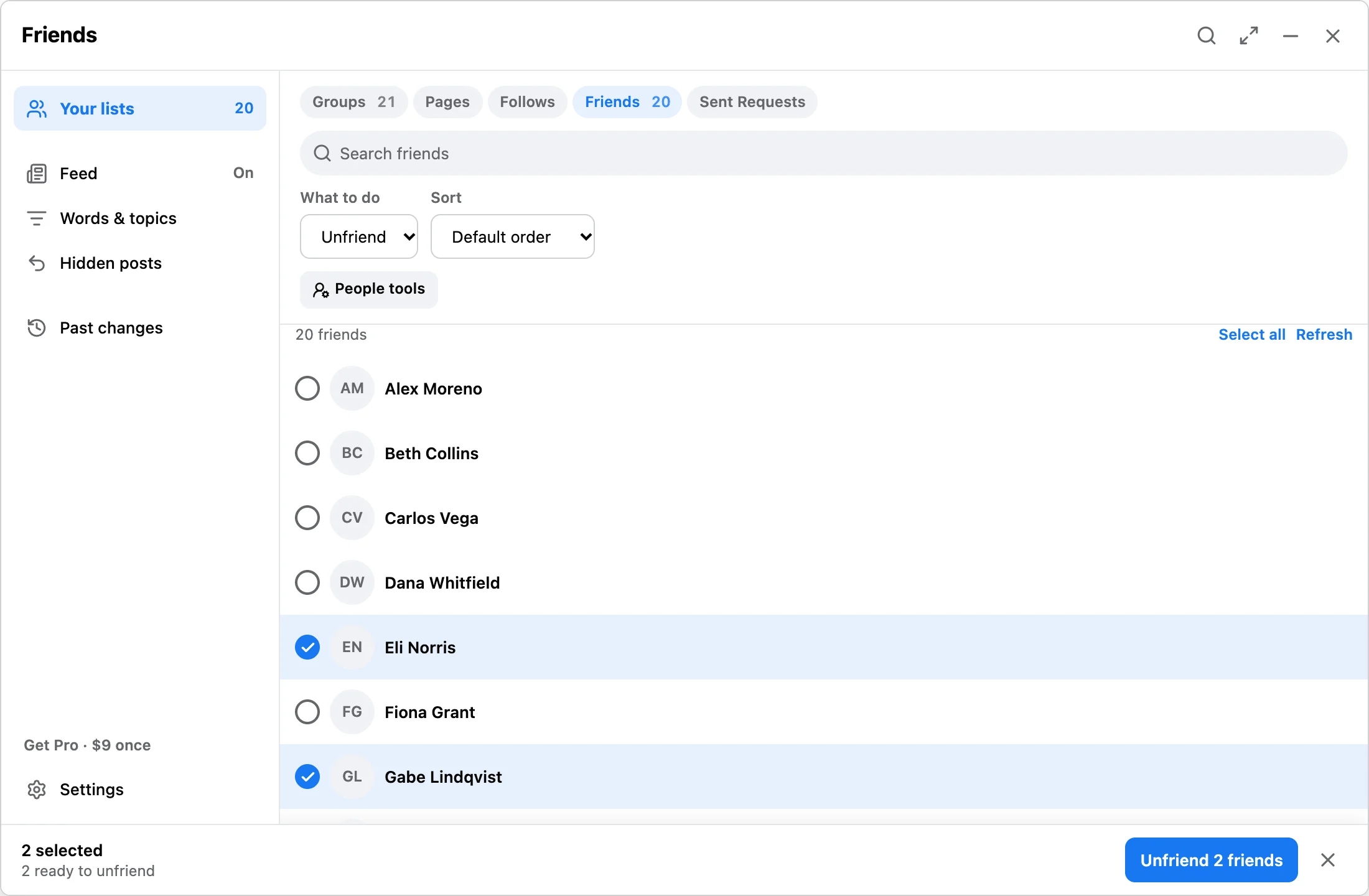
Use desktop Chrome with Facebook open. Pick Friends in the panel, press Load, and wait for discovery to finish.
Facebook friends cleanup
Friend cleanup is more sensitive than unfollowing. Facebook Reset & Feed Control gives you a visible queue first, then runs only selected friend removals from Chrome.
Workflow
Use desktop Chrome with Facebook open. Pick Friends in the panel, press Load, and wait for discovery to finish.
Search and select carefully. Unlike unfollowing, removing a friend changes the connection.
Start only when the queue is right. Pause, resume, stop, and local receipts stay visible.
Answer
Remove only connections you have reviewed and no longer want. The extension does not score friend activity or engagement. Friend removal is different from unfollowing and has no universal undo. If the goal is only a quieter feed, use bulk unfollow instead.
FAQ
No built-in undo. Review carefully before removing friends.
No. It runs from Facebook pages you already open in Chrome and does not ask for your Facebook password.
Free makes up to 10 changes a day. Pro is $9 one-time with no daily limit.
Use the free run limit to test the workflow before doing any larger friend cleanup.